Skip to Content
Flows Overview

Flows Overview

Flows are the automation side of FlowGenie: visual functions with typed inputs and outputs, variables for state, reusable sub-flows, and a library of nodes that cover logic, scheduling, AI, and documentation.

Inputs

Your Start node defines the contract for a flow. Each input has a type, optional default, and a test value that Run uses when you trigger a preview. Handles on the Start node are typed, so downstream nodes expect the correct data shape.

Start node with typed inputs feeding a flow

Outputs

End nodes let you name the values a flow returns and assign types for each handle. You can drop multiple End nodes on different branches to return distinct payloads (e.g., success vs. validation error) while keeping a predictable schema for callers.

End node with multiple typed outputs feeding different consumers

Variables

Flows keep state through variable nodes: object variables (with typed fields), arrays, booleans/numbers/strings, and multi-line text. Read/Write Variable nodes update values mid-run, and text nodes support {{variable}} interpolation (see replaceVariablesInText in runFlow.ts).

Variable nodes storing objects, arrays, and text with read/write connectors

Nested Flows

The Flow node reuses another saved flow like a function. Inputs map to the nested flow’s Start node, and outputs bubble back from its End node. The context menu lists all flows so you can compose higher-level automations without duplicating logic.

Parent flow calling another flow and mapping inputs to outputs

Environment Variables

Workspace-level secrets are injected through Environment Variable nodes (populated from environmentVariables in flow-state-context). They surface as string outputs you can feed into HTTP requests, AI prompts, or email nodes without exposing values in the canvas.

Environment variable node pulling workspace secrets into a flow

Complex Logic & Loops

Control-flow nodes cover if/else, comparisons (equal, greater-than, regex-test), branching async fetch paths, and loop nodes (for-each, for-loop) that iterate arrays. A wide math/string toolbox (sum, split/join, trim, replace, HMAC, UUID, etc.) lives in methods.tsx, so you can model real program logic without code.

Conditional, loop, and transformation nodes driving complex logic

AI Nodes & Composer

When AI is enabled, you can drop AI-oriented nodes (e.g., generate text, classify, or route) and let branching paths behave like lightweight agents. The flowRouter.aiFlow endpoint uses Anthropic’s Claude 3.5 Sonnet to turn a prompt into a draft flow, so you can scaffold automations from natural language and refine in the canvas.

AI composer turning a prompt into generate-text and classification nodes

Documentation Nodes

Photo, Markdown, and iFrame nodes (see methods.tsx) let you annotate a flow inline—great for onboarding teammates or embedding live docs, screenshots, and dashboards right beside logic. These nodes move with your diagram, keeping explanations tied to the step they describe.

Markdown and image nodes living alongside logic nodes

Scheduled Flows

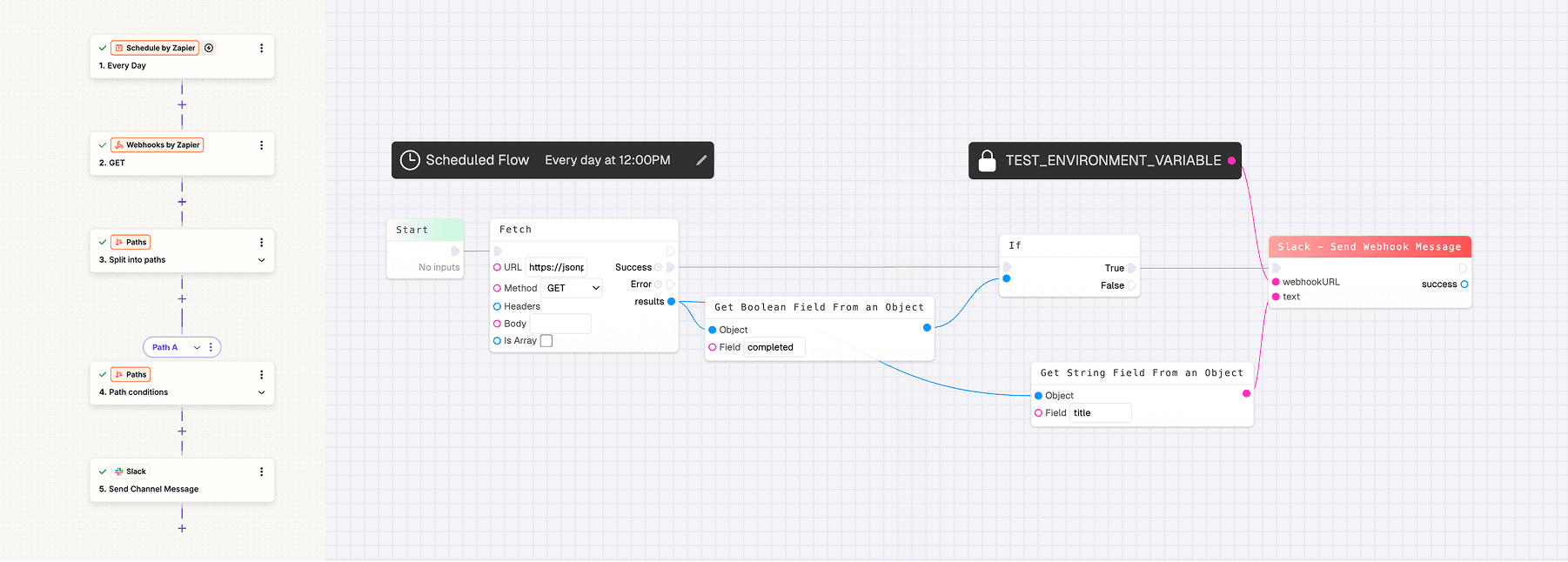
Schedule nodes add cron-driven triggers. The context menu can create multiple schedules per flow, and the Schedule node UI translates cron strings into human-readable times while you edit (see ScheduleNode.tsx).

Schedule node editing cron expressions with friendly presets

Multiplayer Editing

Flows are multiplayer by default: PartyKit sessions sync nodes, edges, variables, and outputs while showing collaborator cursors (CursorsContext, OtherCursor). You see who is editing and where, making pair-building feel like shared whiteboarding.

Multiple colored cursors editing the same flow

Run Panel & History

Use the Run panel to execute the current flow with test values and stream logs (including image logs via the Log Image node). The History drawer pulls run records from flowRouter.getFlowRuns/getFlowRunDetails, so you can inspect request/response bodies, headers, and replay a run when debugging.

Run panel showing logs and a history drawer with past runs
Last updated on