Using nested flows
You can use flows inside of other flows, so you can create reusable logic in a clean way. This is useful for one off utilities, integrations with other platforms, or other chunks of logic you need to reuse.
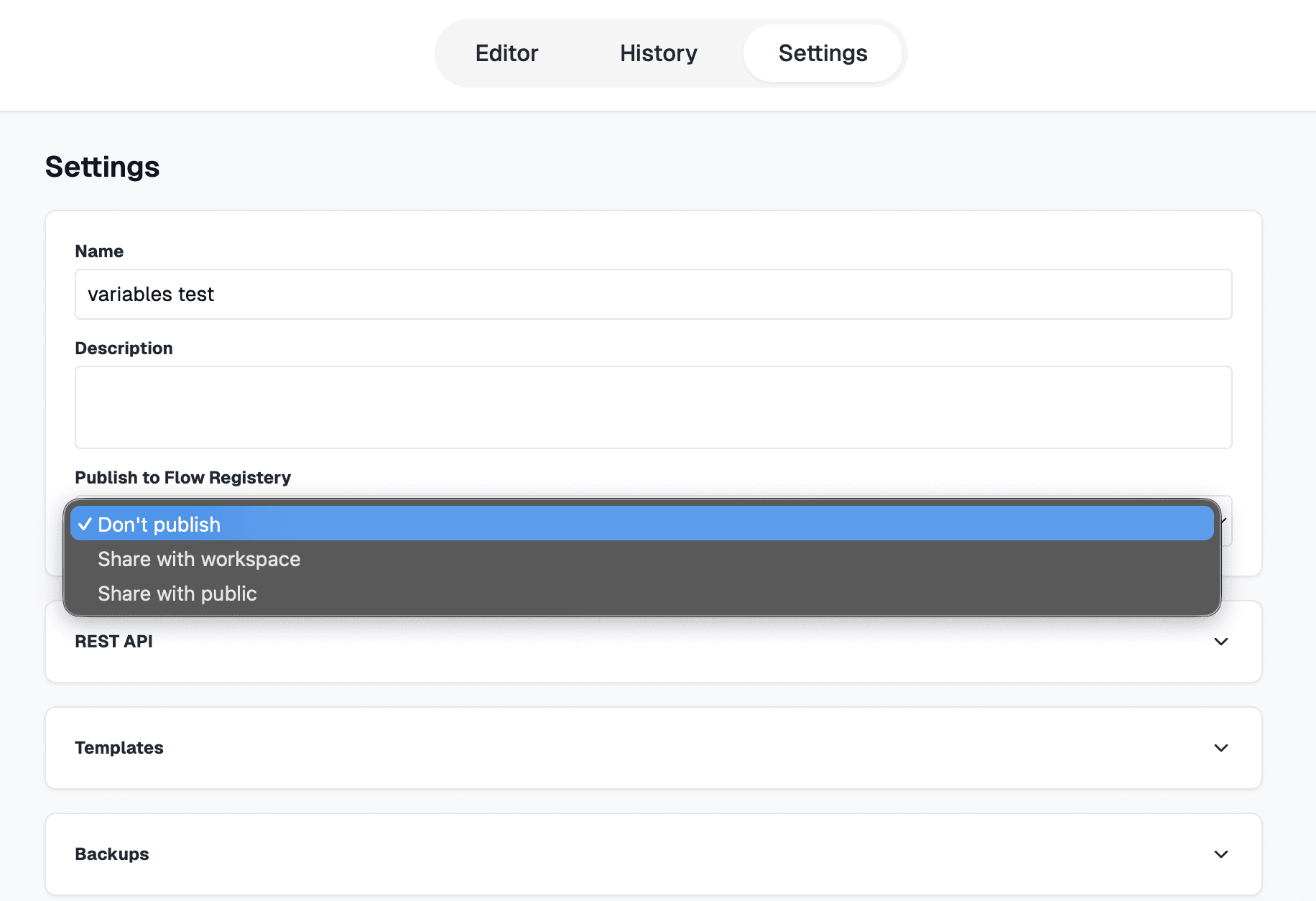
Publish a flow
Publish a flow to your workspace or publicly. Published flows show up in the context menu so your team can drop them into other automations.
Add a flow node
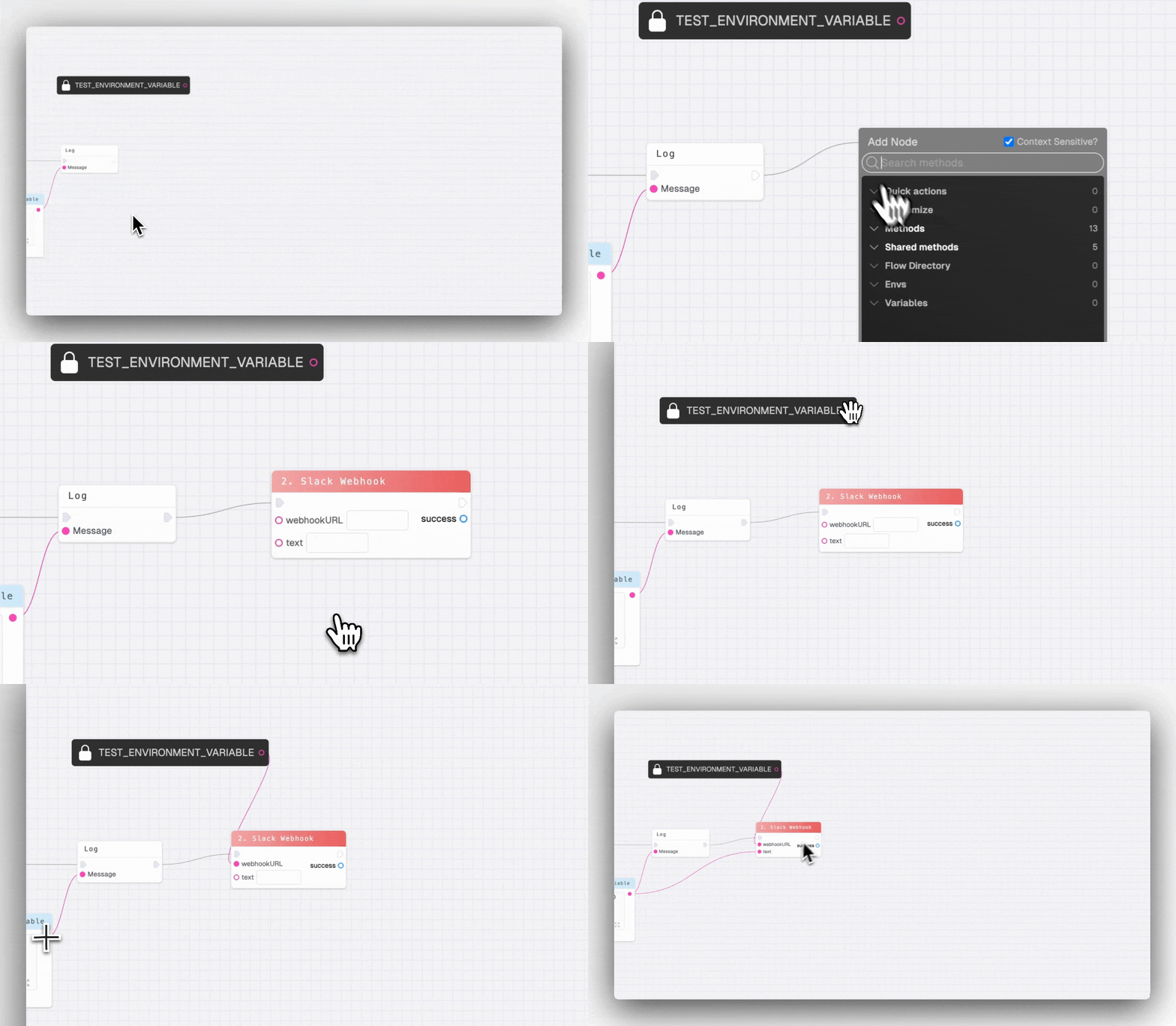
From the canvas, open the context menu and select the flow you want. The node exposes the same inputs and outputs defined on its Start and End nodes, so wiring it up feels like calling a function.
Keep logic reusable
Update the nested flow once and every flow that uses it stays in sync. This is perfect for shared validations, API calls, and data transforms.
View a list of published flows, by your team or the community, on the Flow Registery page.