Storing data in variables
Variables keep state as your flow runs, so you can reuse values across nodes and paths without rewiring everything.
Create a variable
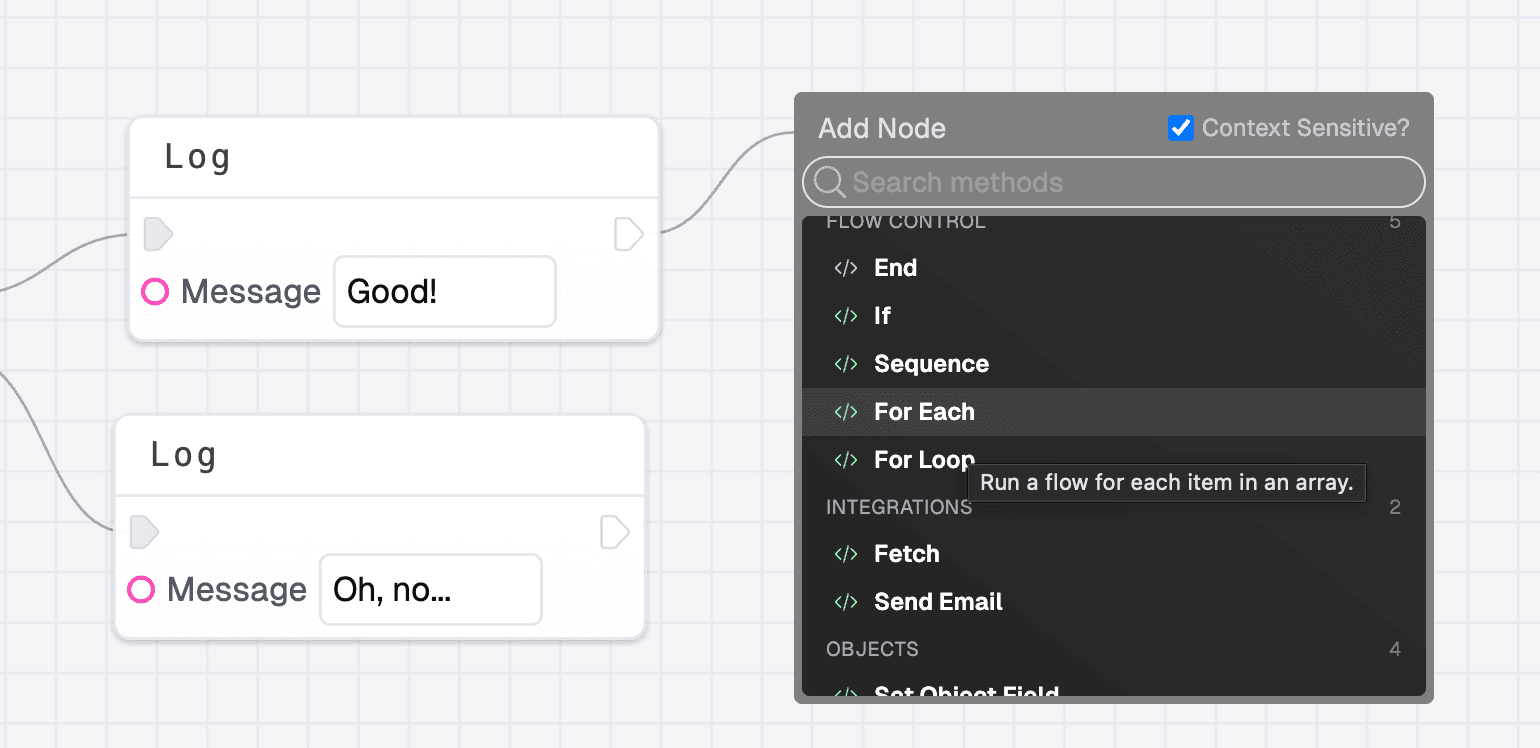
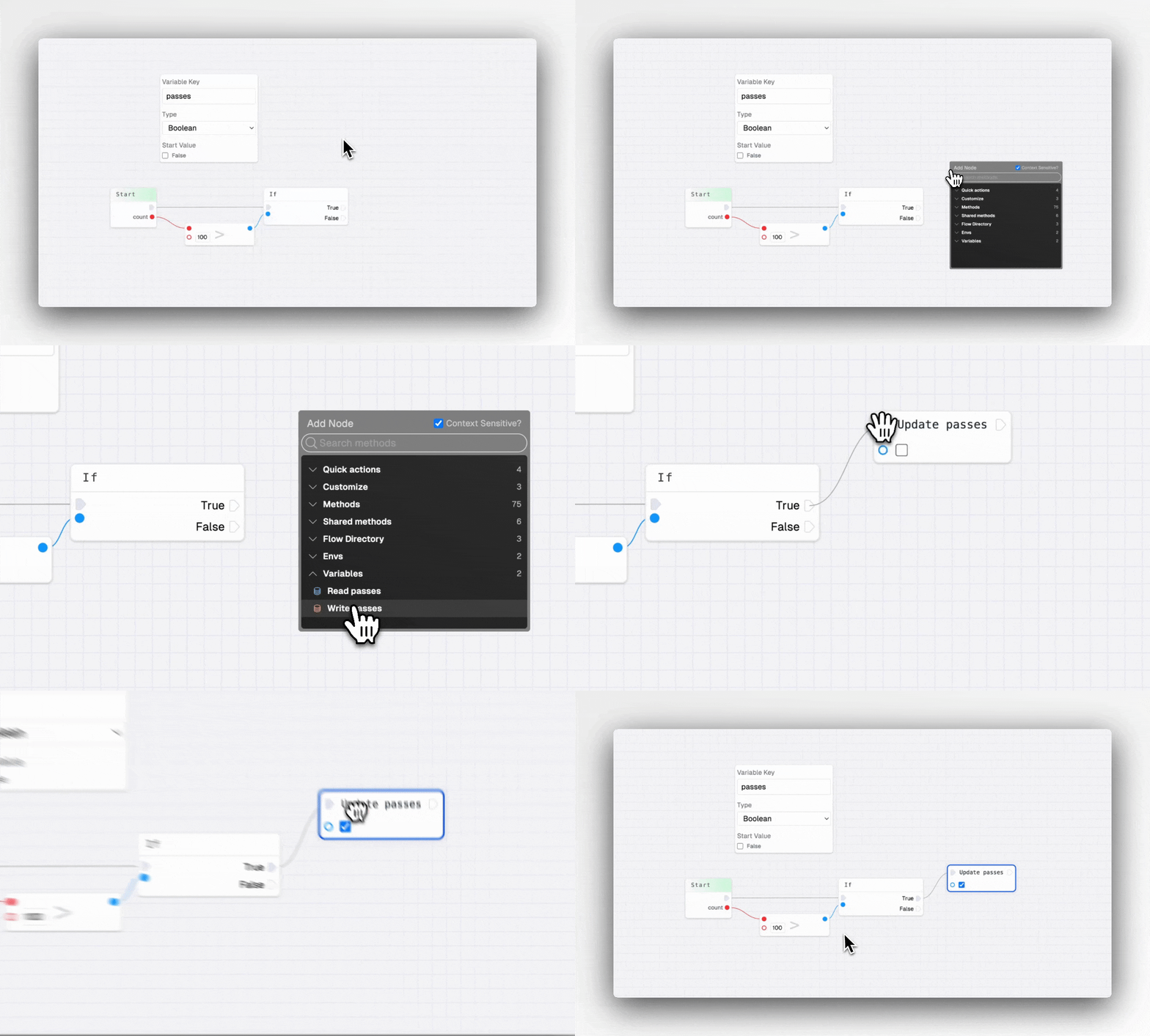
Open the context menu and choose Create new Variable. Give it a name, a type, and an optional default value. FlowGenie will add matching Read and Write nodes you can drop anywhere in the canvas.
Read and write values
Use Read yourVariable to pull the latest value into any node. Use Write yourVariable to update it mid-flow after a branch, loop, or transformation.
Use variables inside text
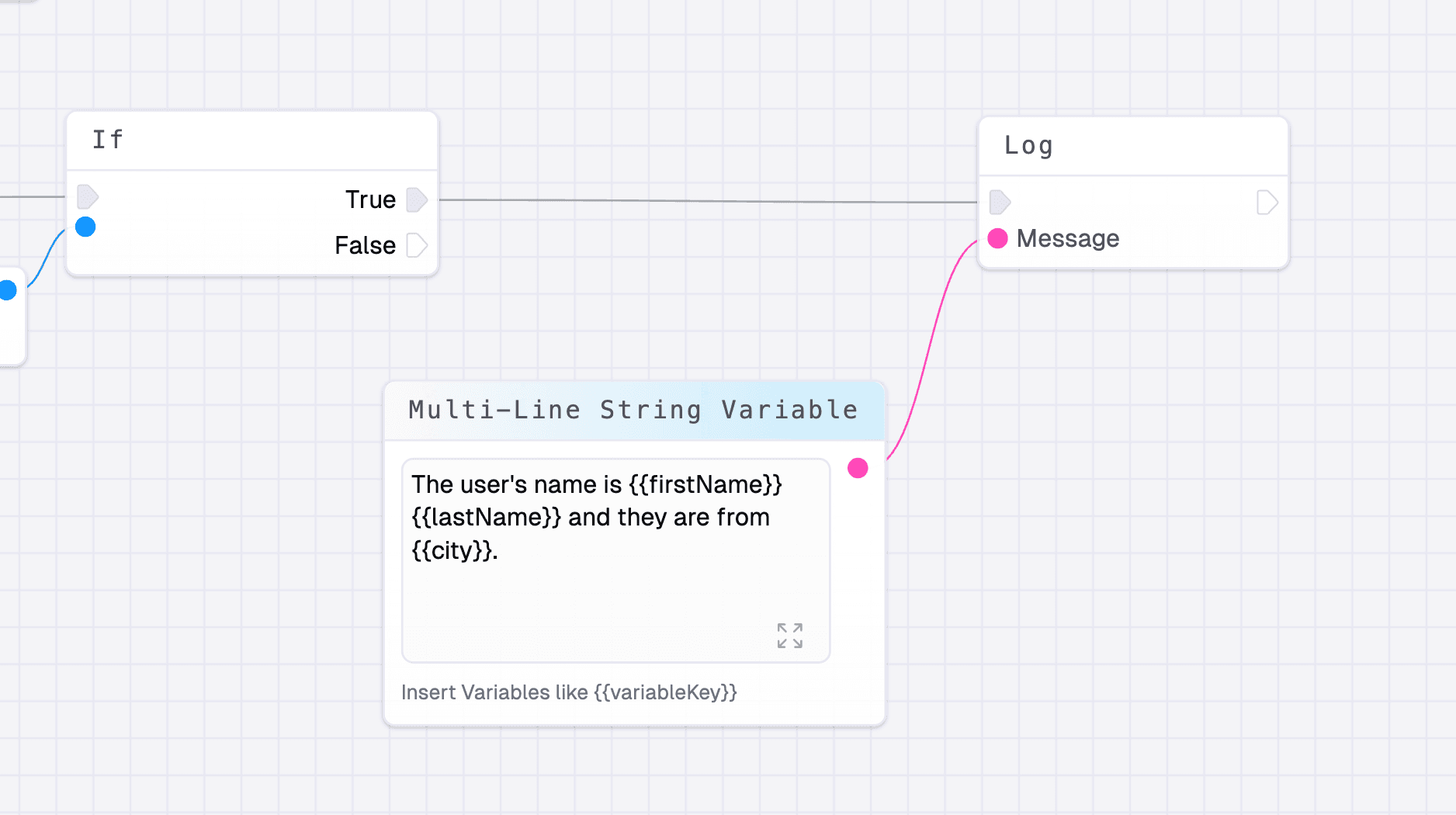
In a Multiline text node, insert {{variableKey}} to interpolate the current value. This is useful for dynamic messages, API payloads, and prompts.
Last updated on