Templates
Forms can be set as templates, making them easily clonable and reusable. Templates allow you to share form structures with your workspace or the broader FlowGenie community, enabling faster form creation and consistent design patterns.
Template Visibility
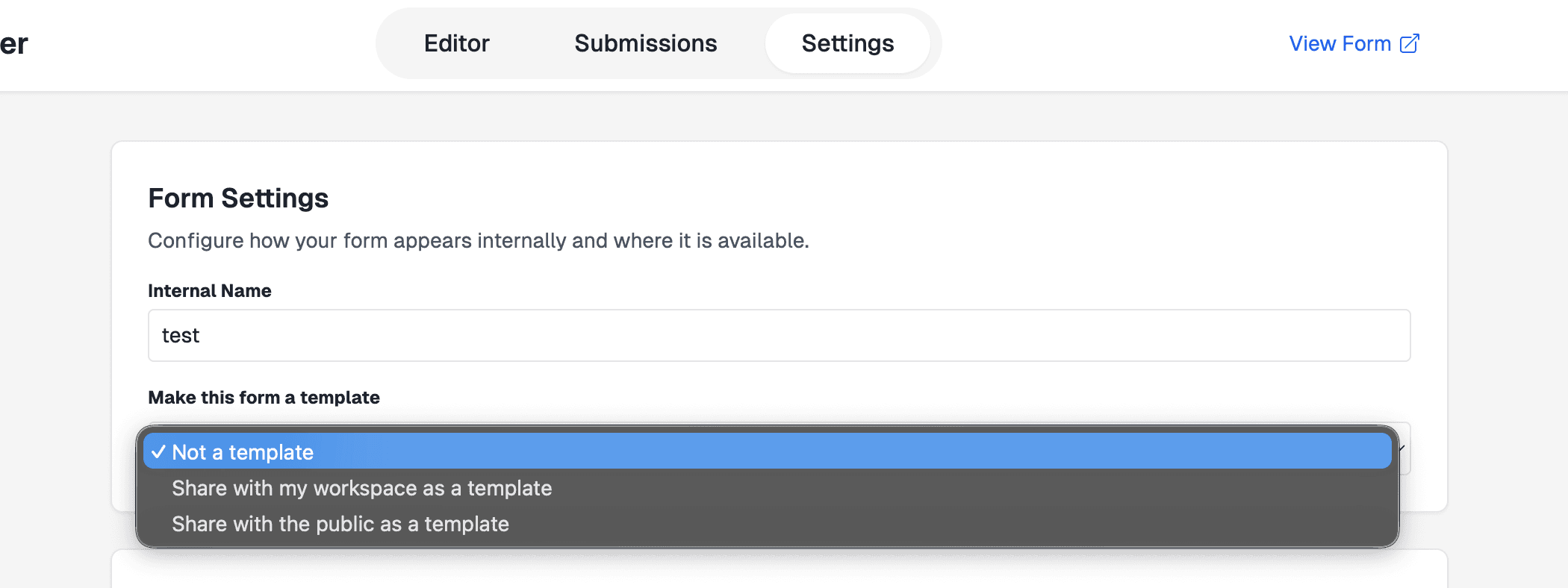
You can set a form to be a template on the settings tab of the Form Editor. You can select to either share with your workspace, or to share publicly. Public templates will appear on the templates page.
Viewing Templates
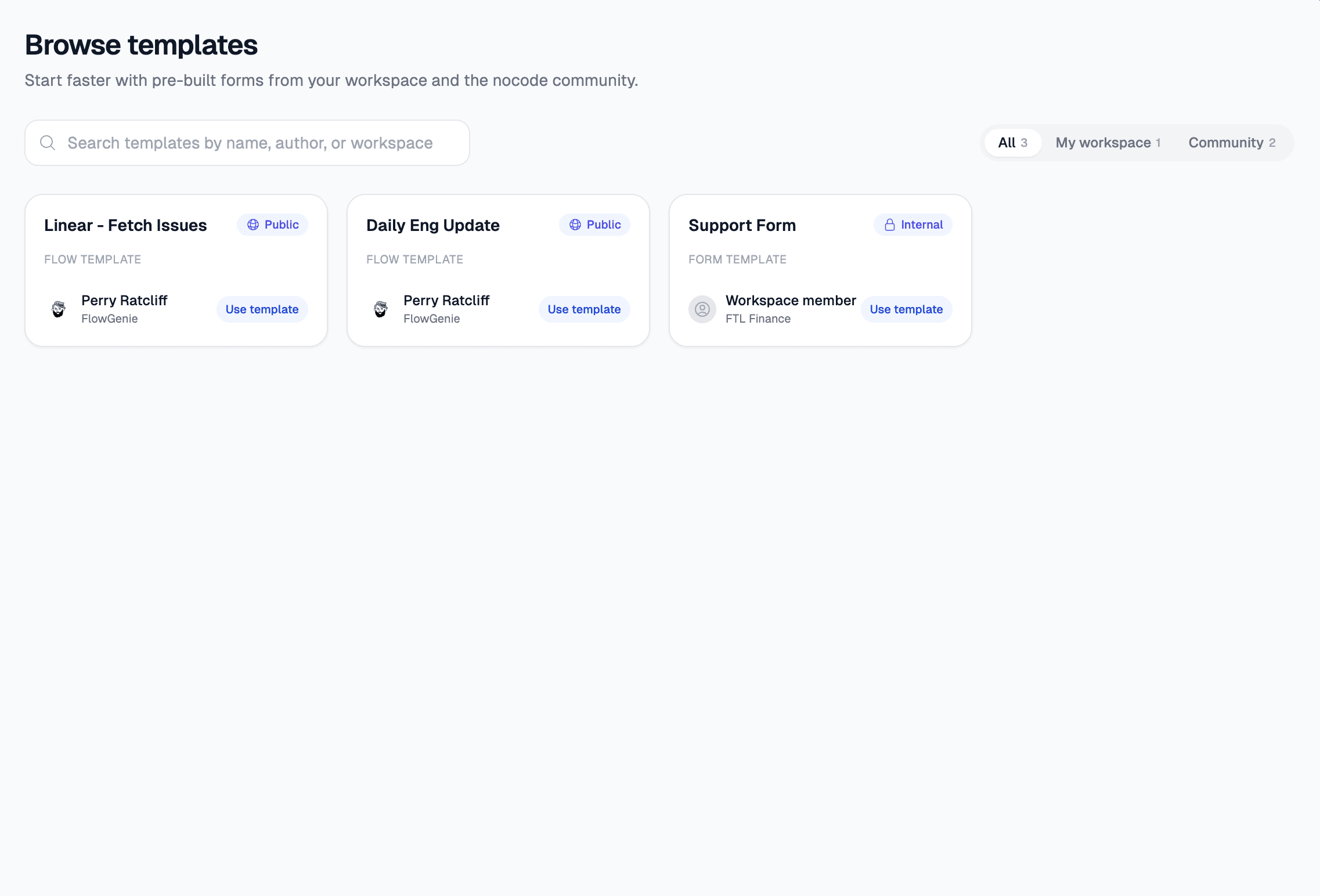
Forms that you or others make templates will appear on the Templates page. Here you can:
- Browse available templates
- Preview template designs
- See template descriptions and use cases
- Clone templates to your workspace
Template Requirements
To ensure templates work correctly when cloned, there are some important requirements:
Templates must not use any flows that require environment variables (.env files).
Best Practices for Template Creation
When creating templates:
- Keep it generic - Avoid workspace-specific references or hardcoded values
- Document clearly - Add descriptions explaining what the template is for
- Test cloning - Clone your own template to ensure it works correctly
- Avoid complex dependencies - Keep flows simple and self-contained
Next Steps
- Learn about form structure to create better templates
- Explore question types to understand what’s available
- Review validation flows for template-compatible validation
- Check out submission flows for processing form data
Last updated on