Options Flow
Using a flow to fetch a question’s options allow you to dynamically fetch options for dropdown, multi-select, and ordered list questions using the visual flow editor. Instead of hardcoding a static list of options, you can build a flow that fetches options from APIs, databases, or generates them based on form answers.
How Options Flows Work
When a flow is attached to a question, it runs:
- When the form loads - To populate initial options
- When form answers change - To update options based on other question responses (for dynamic filtering, this can be turned off)
The flow used for this will receives the current form answers, and should return an array of options that will be displayed to the user.
Supported Question Types
Options flows work with these question types:
- Dropdown (
select) - Single selection from a list - Multi-Select (
multiselect) - Multiple selections from a list - Ordered List (
orderedlist) - Selection with ordering
Setting Up an Options Flow
1. Create or select an Options Flow
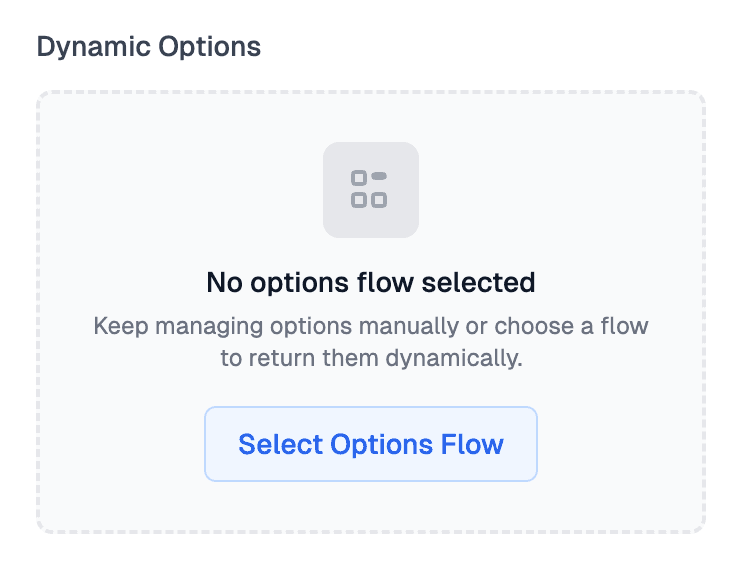
First, select the multi-choice question you want to have dynamic options. Go to the “Dynamic Options” area in the advanced section. Click the “Select Options Flow” button to open the flow selector. You can click ”+ Create New Flow” to create a new flow, or you can select an existing flow (good for reusable dynamic options).
2. Configure the Flow Input
Flows used for fetching options for a question will receive answers as an input, which is an object with key/value pairs of all your form questions and their answers.
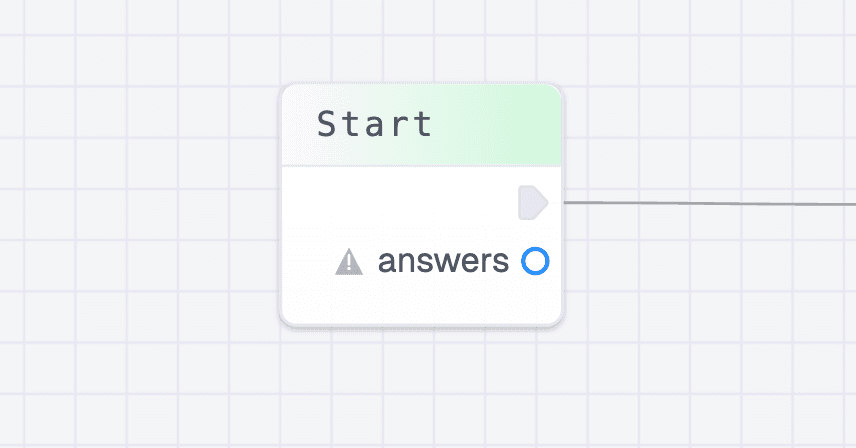
If you create a new flow from the form editor, this input will automatically be added.
3. Fetch your options
Add nodes to your flow to fetch the options from another system or to create a dynamic list. The flow should return an array called options. This can be an array of strings which will be used as the label in the dropdown and the value on the submission data.
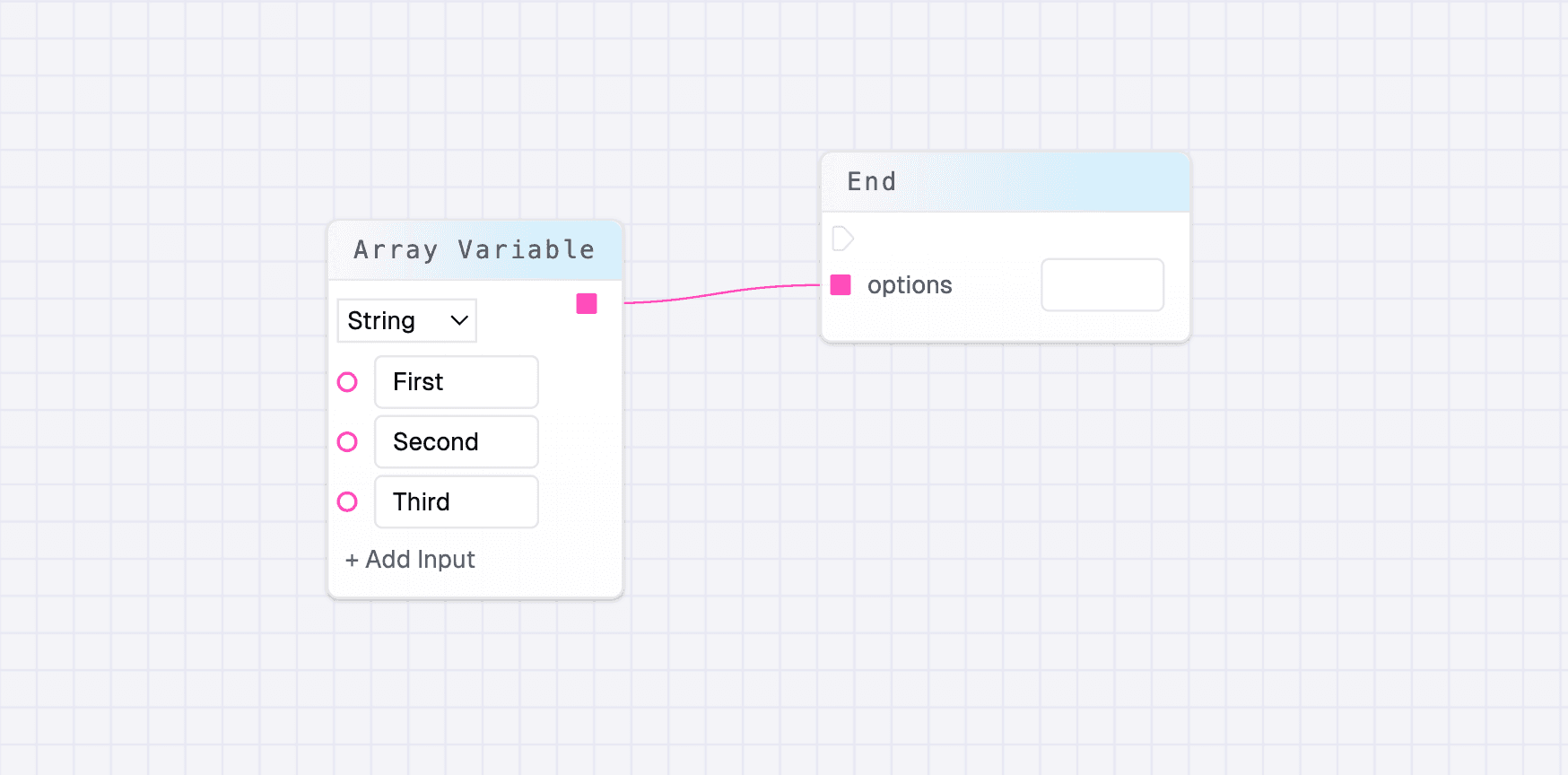
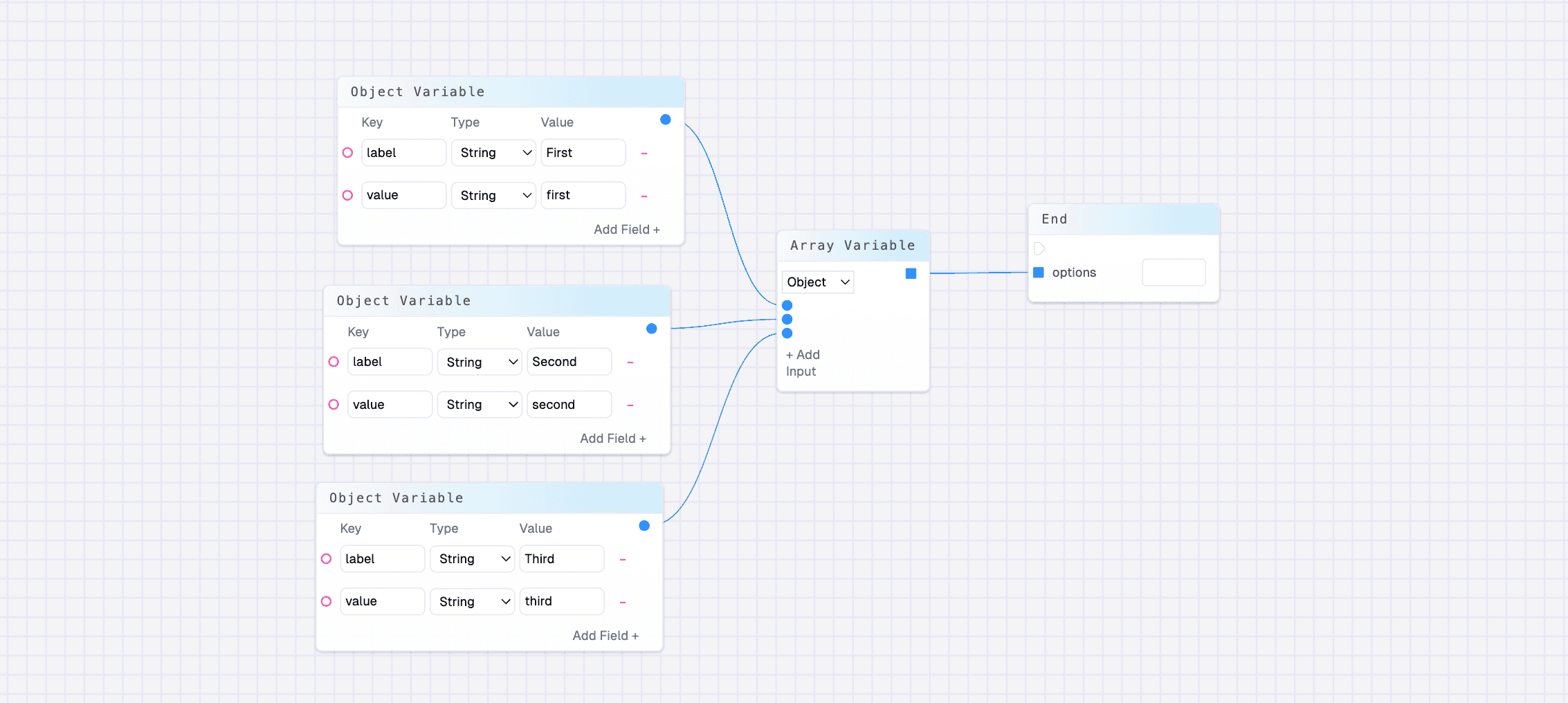
Or, you can pass an array of objects that have label and value as string values:
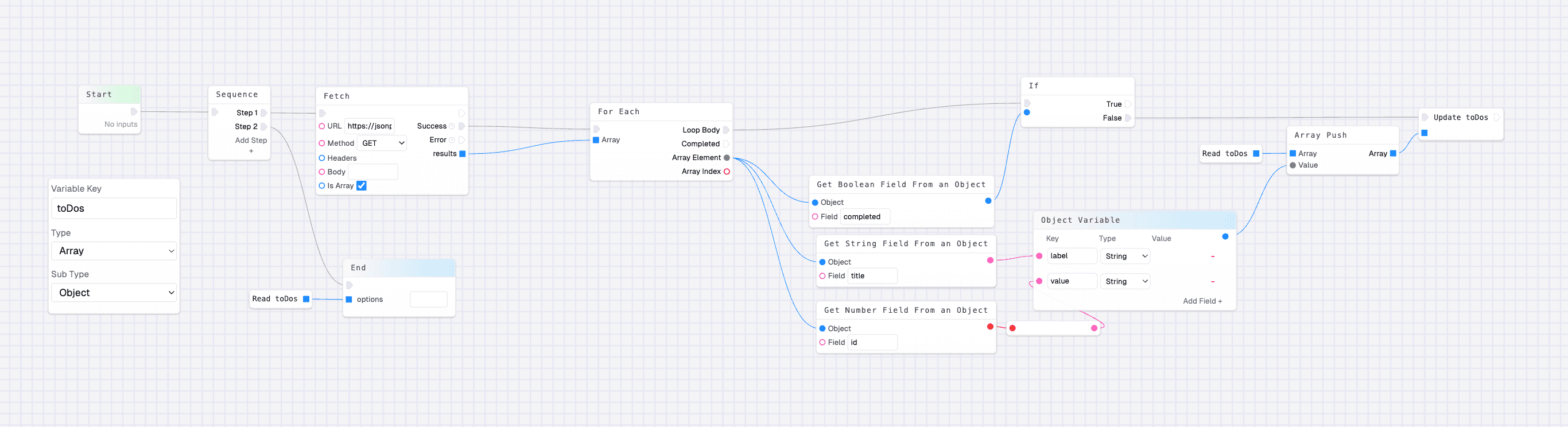
Here is an example flow that fetches a list of todo’s from an API, loops over them to build an array of options, and then returns them: