Submission Flow
Submission flows let you run automation after a form is submitted. Use them to send emails, create CRM records, trigger webhooks, or sync data to other systems.
How Submission Flows Work
When a submission is valid and saved, the flow runs automatically. For hosted forms, it runs in the background so the user gets an immediate success response even if the flow fails.
The flow input includes each answer as a top-level key (using the question’s key).
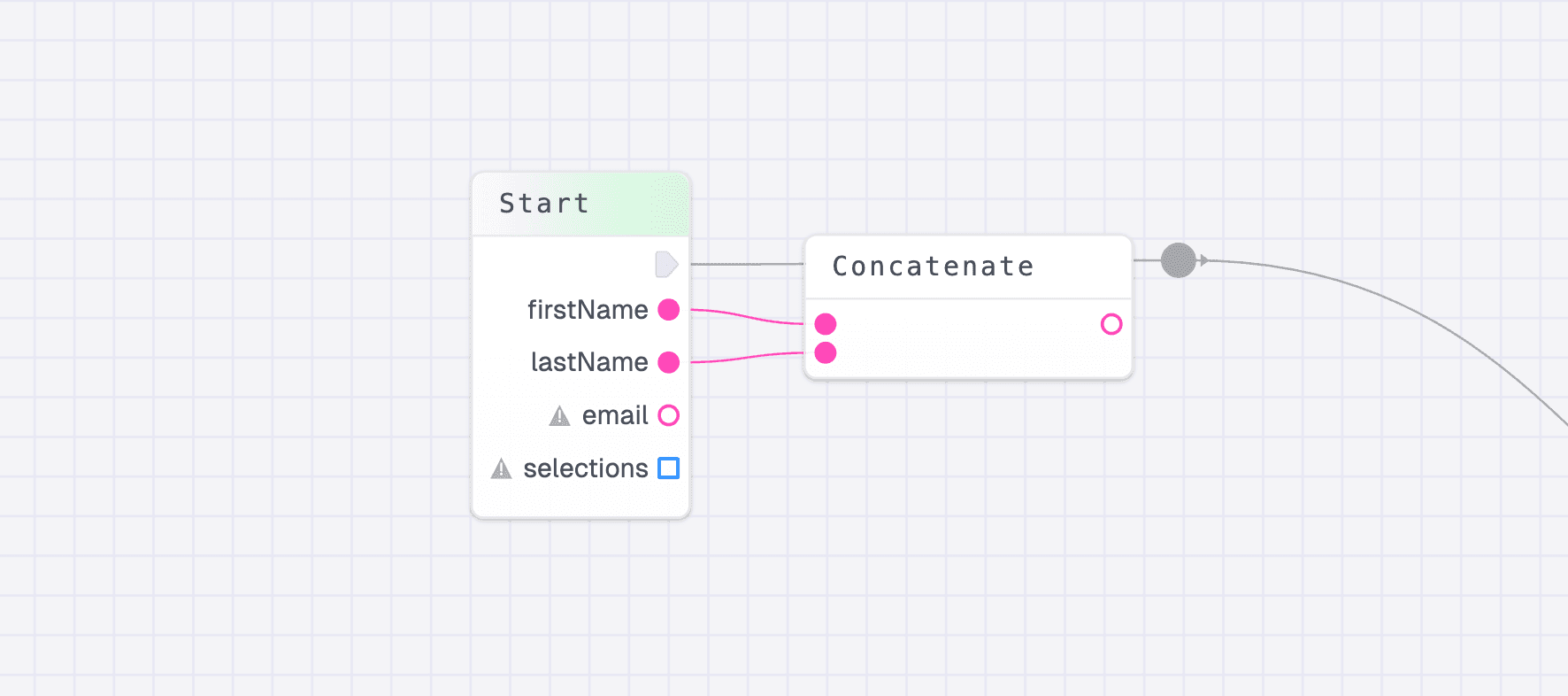
Setting Up a Submission Flow
1. Attach a flow
Open your form, go to the Publish tab, and find Select a flow to run on Submission. Choose an existing flow or create a new one.
2. Build your automation
Add nodes to send emails, write to a database, or call external APIs. You do not need to return anything, but any returned data will be logged.
3. Test it
Submit the form and review the flow run logs in the Flow Editor.