Basic Questions
FlowGenie has most of the question types you would expect from a form builder, including text inputs, number inputs, email/password inputs, etc. The rest of the page describes some of the basic question types and their variants.
Single Line
A single-line text input is the most common question type. It’s perfect for collecting short text responses like names, addresses, or short answers.

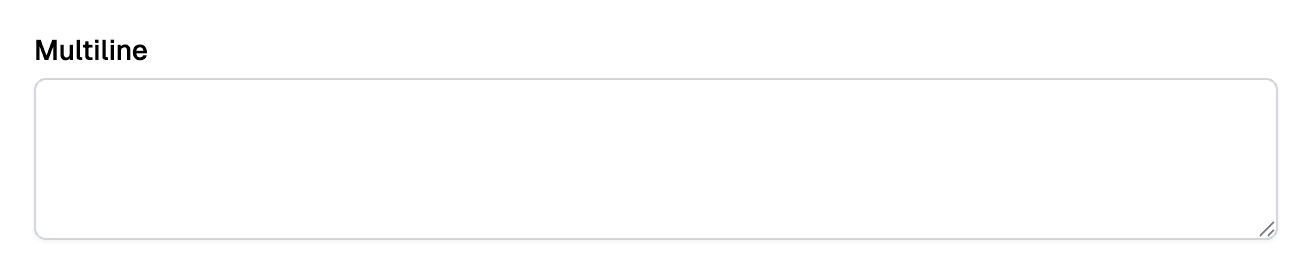
Multiline
Multiline inputs allow users to enter longer text responses that span multiple lines. Perfect for comments, descriptions, or detailed feedback. You can set how many lines tall the input is.
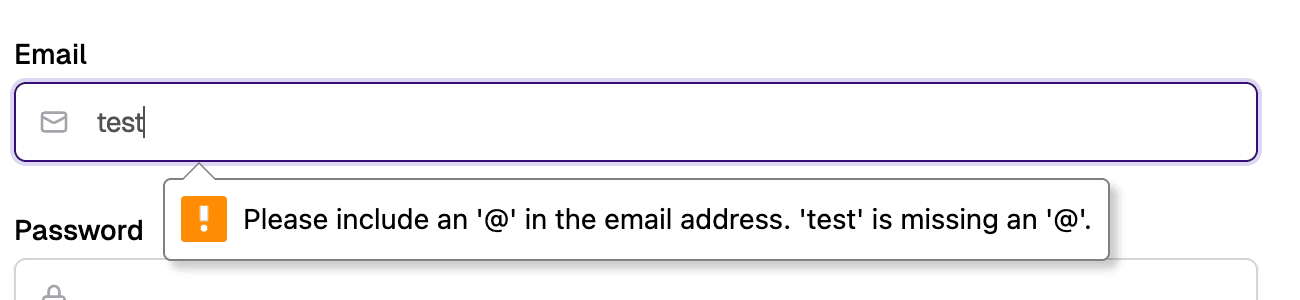
Email inputs validate that the entered text is a properly formatted email address. They often include built-in validation and may trigger email-specific keyboard layouts on mobile devices.
Password
Password inputs hide the entered text for security. They’re essential for authentication forms and any scenario where sensitive information is being entered, such as social-security numbers.

Number
Number inputs restrict entry to numeric values only. They’re perfect for quantities, ages, prices, or any numeric data.
The number input has a slider variant that can be used to select within a range of numbers.

Date
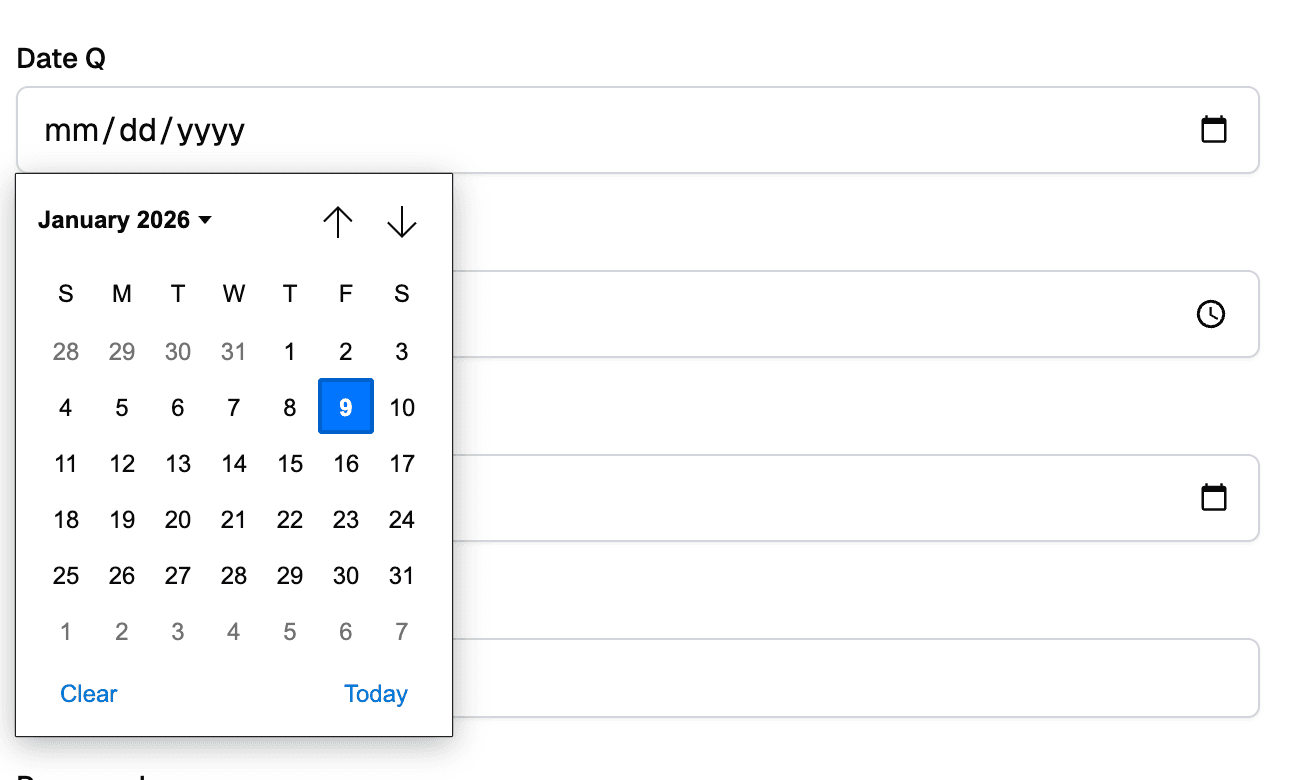
Date inputs allow users to select a date from a calendar picker or enter it manually. They ensure consistent date formatting and validation.
The date input has three variants; Date, Time, and Date Time. Use whichever one matches your needs.
Checkbox
Checkboxes allow users to select a single boolean value (true/false). They’re perfect for terms acceptance, opt-ins, or yes/no questions.
You can use either a checkbox or a toggle:
