Using secrets in your flow
When connecting to another system, you usually have to store some sort of password, or API key, so that you can make request. You should not type these directly in your flow for security purposes. Instead, you should use environment variables. You can create an environment variable once for your workspace, and then reuse it in any of your flows.
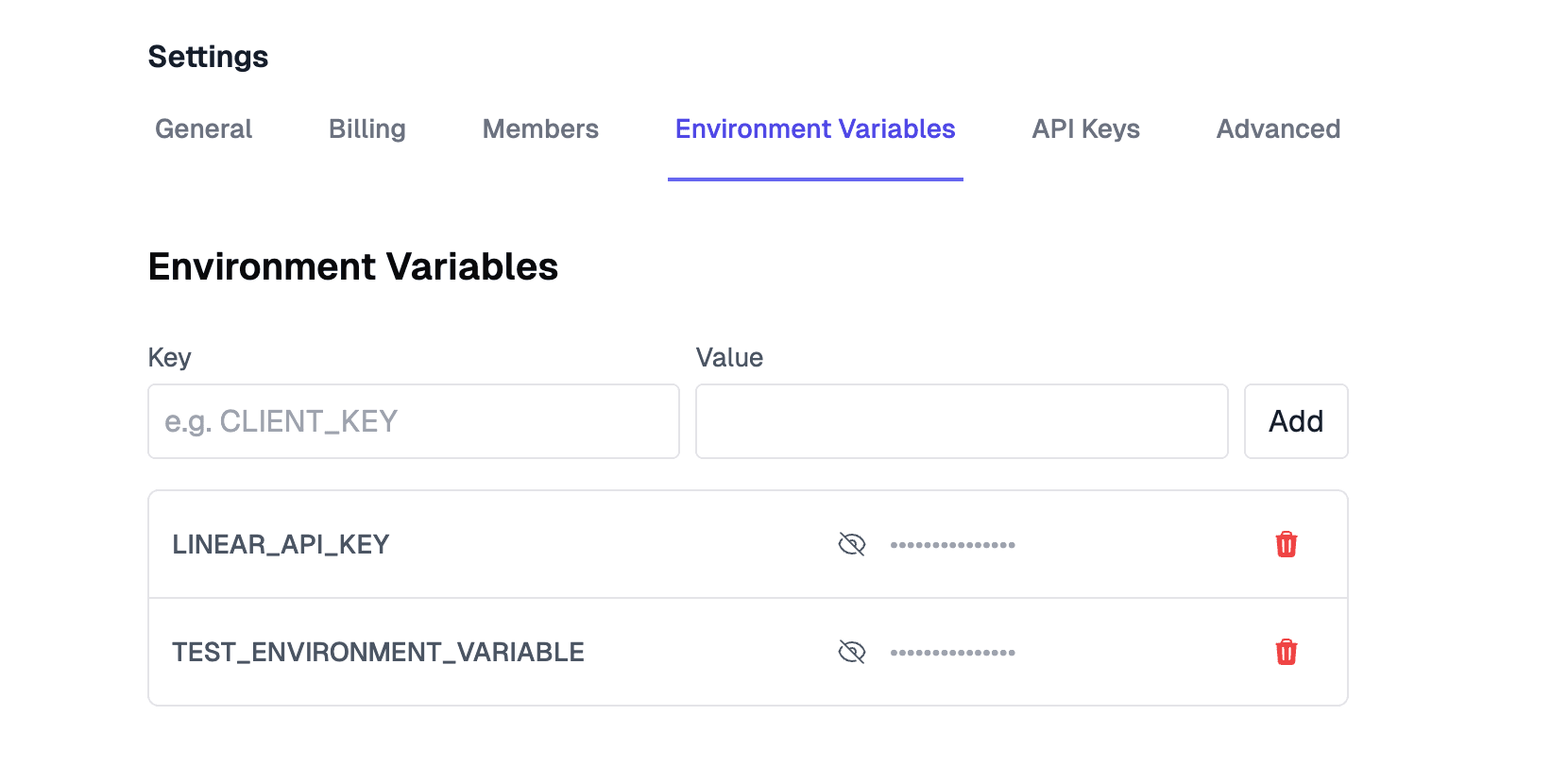
Add secrets in Settings
Create secrets in Settings for your workspace. Store API keys, tokens, and connection strings once, then reuse them across flows.
Reference a secret in your flow
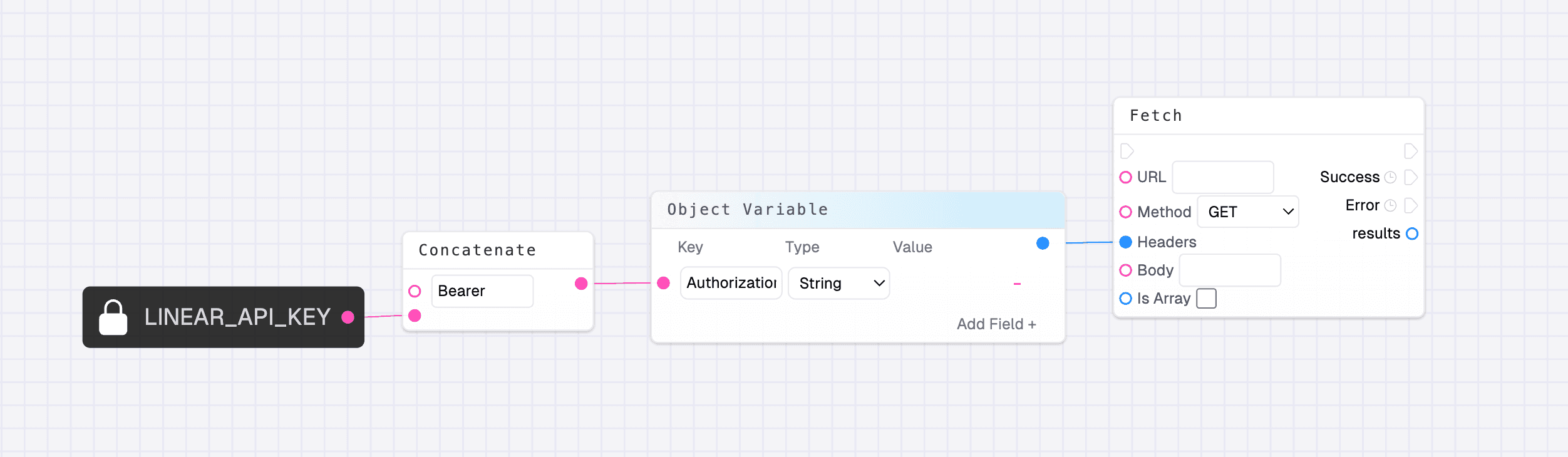
Open the context menu and pick the secret you want from the “env” group. It outputs a string that will have the secret when the flow is ran.
Last updated on