Display Elements
Some of the “question” types you can add to the form are just for display, which allows you to customize your form as needed.
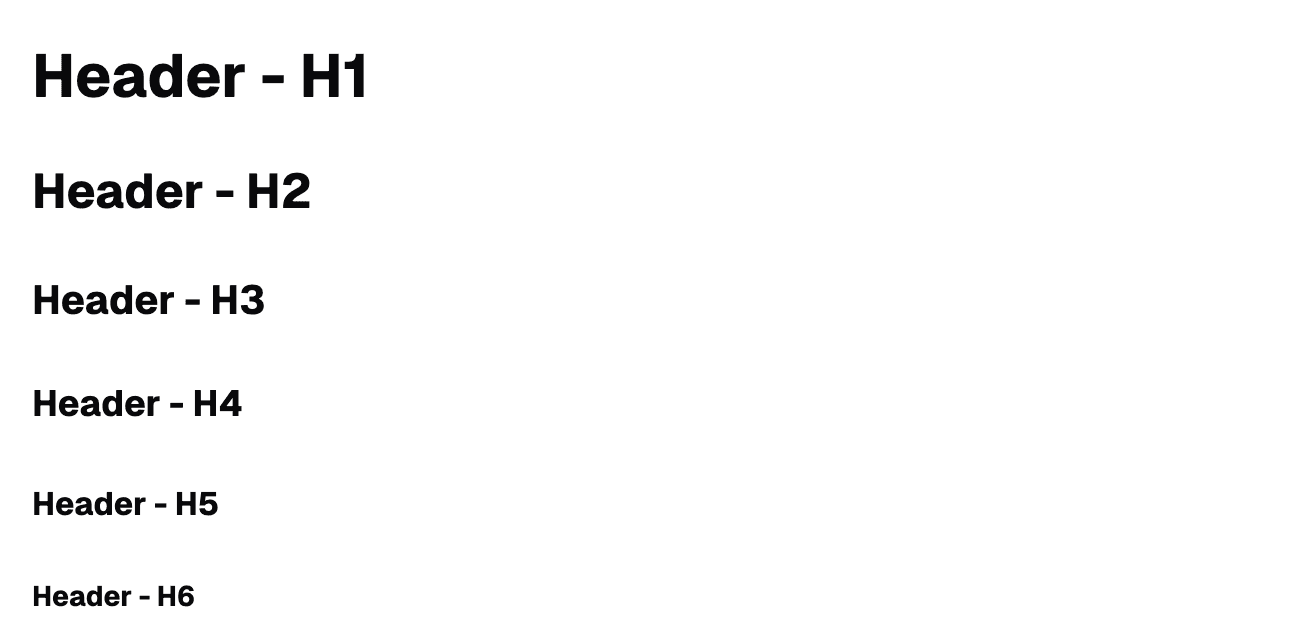
Header
A header is a title you can put throughout your form sections. There are six different variants, or sizes of the header question:
Paragraph
Paragraphs allow you to add explanatory text, instructions, or context between questions. They’re perfect for providing background information or guiding users through complex sections.

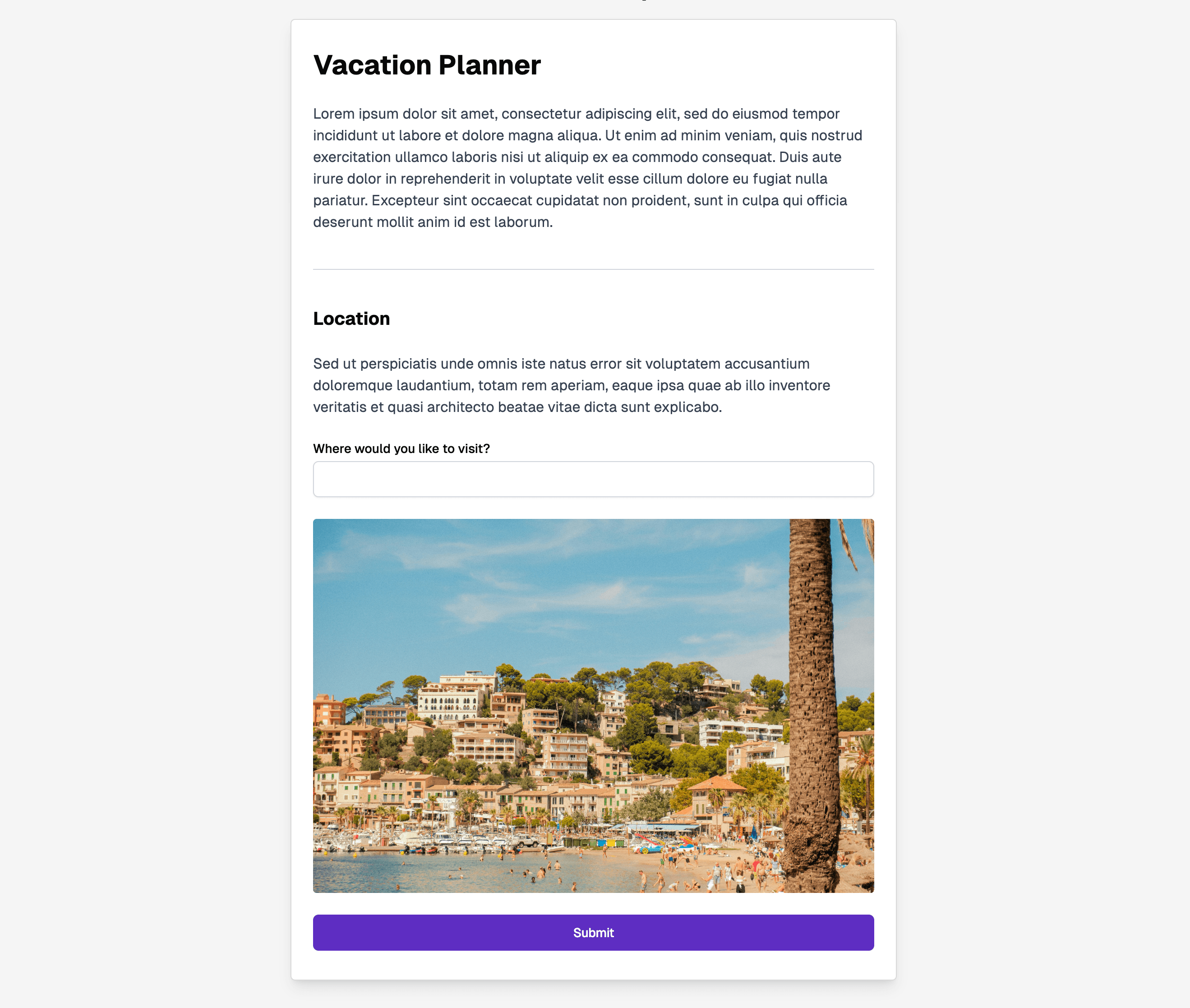
Image
Add images to your forms to provide visual context, show examples, or enhance the user experience. Images can be used to illustrate concepts, display logos, or create visual interest.
Divider
Dividers create visual separation between sections of your form. They help break up long forms and make it easier for users to scan and understand the form structure.
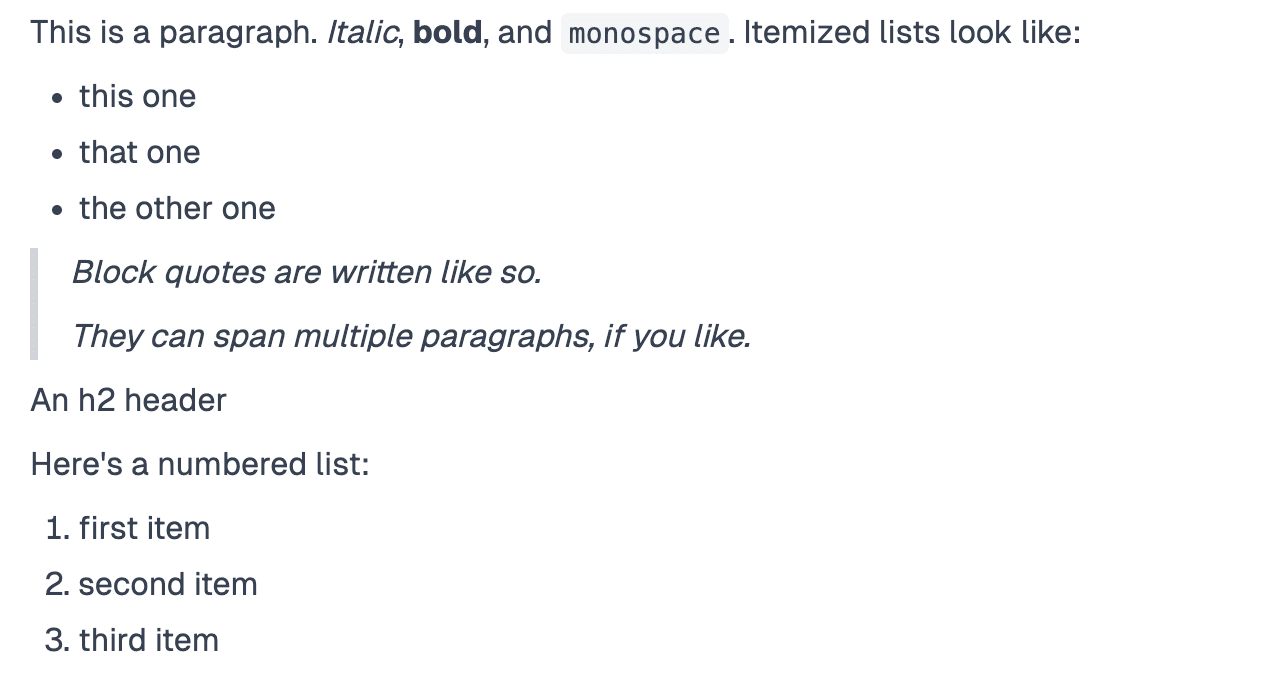
Markdown
You can use the markdown question to display any markdown you want. Markdown is an advanced way to format text. Click here to learn more.